 Duskroom
Focus timer with breaks
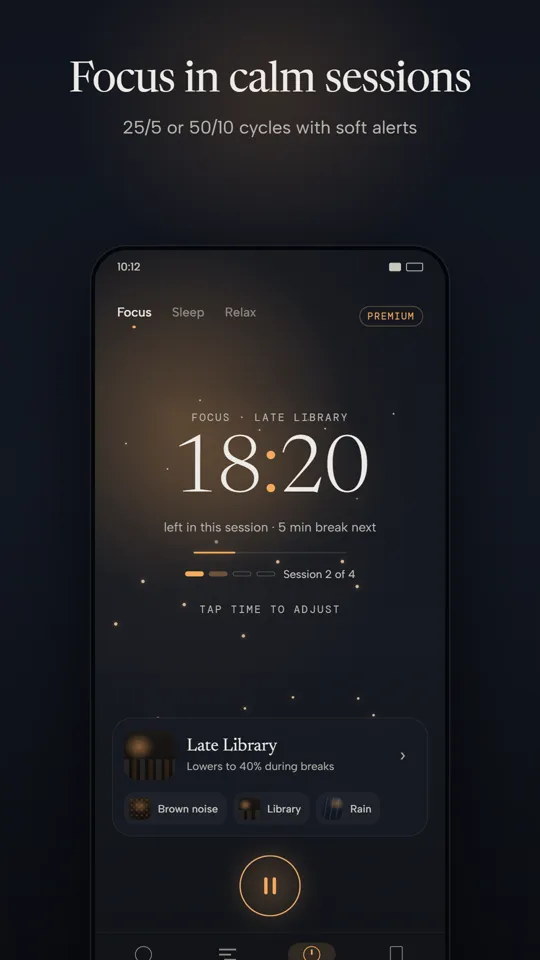
Work in calm sessions with soft breaks, such as 25/5 or 50/10 cycles. A gentle alert marks the end of each session.

Android · Free with ads · Premium optional
Calm sounds, a gentle timer and a mixer of your own, in a dark room of an app.
Get it on Google Play TODO: link goes live with the Play listing (https://play.google.com/store/apps/details?id=com.theappnest.duskroom)
Features
Work in calm sessions with soft breaks, such as 25/5 or 50/10 cycles. A gentle alert marks the end of each session.
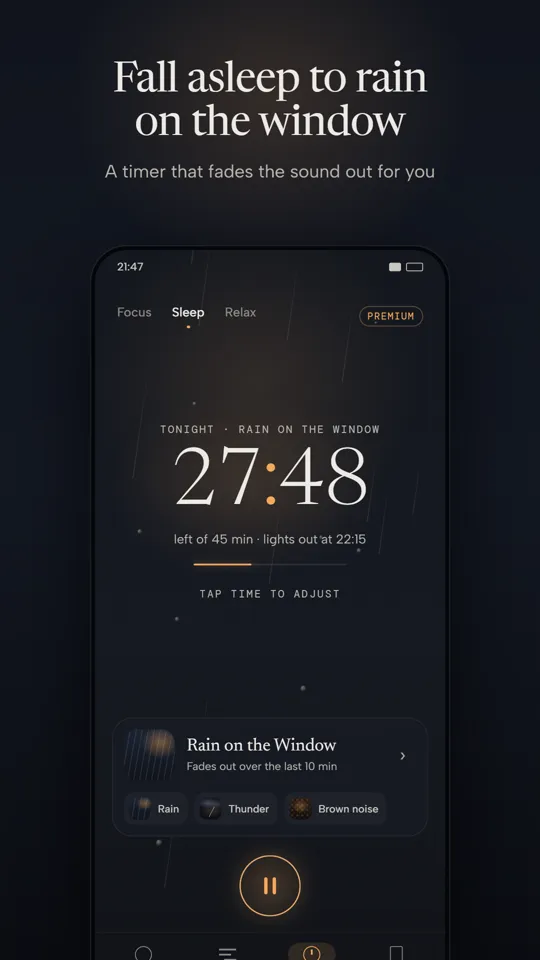
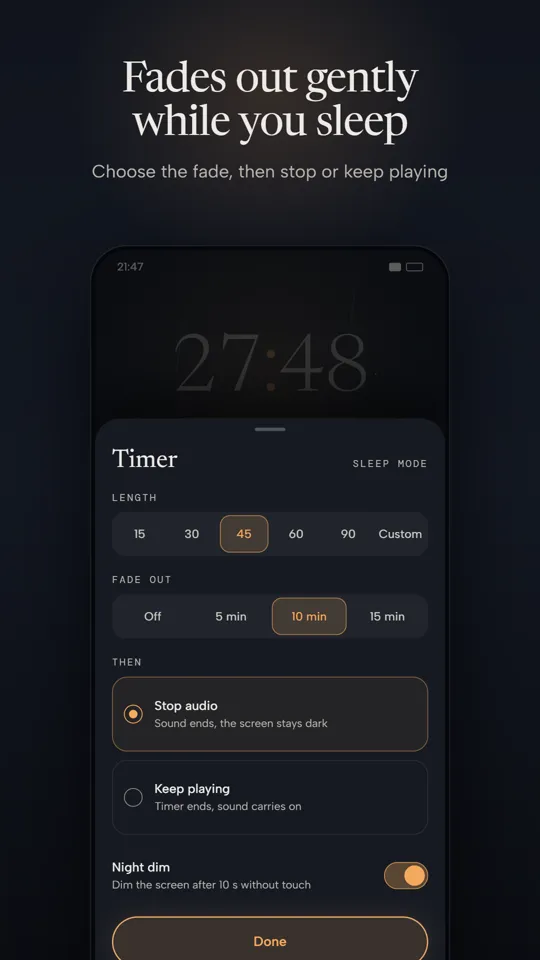
Pick a length and a fade-out, then let the sound ease away while you drift off. Stop the audio or let it keep playing.
No timer, no pressure. Start a mix and let it play for as long as you like.
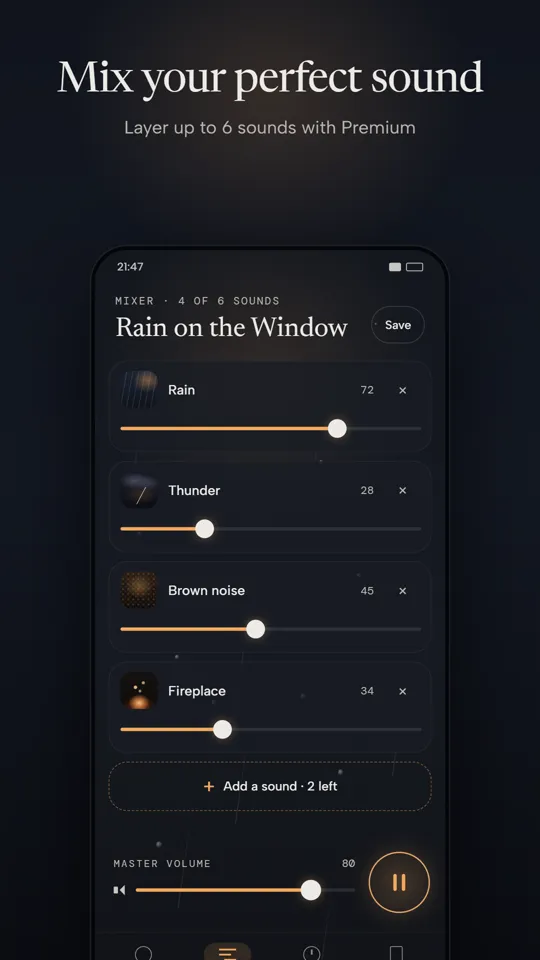
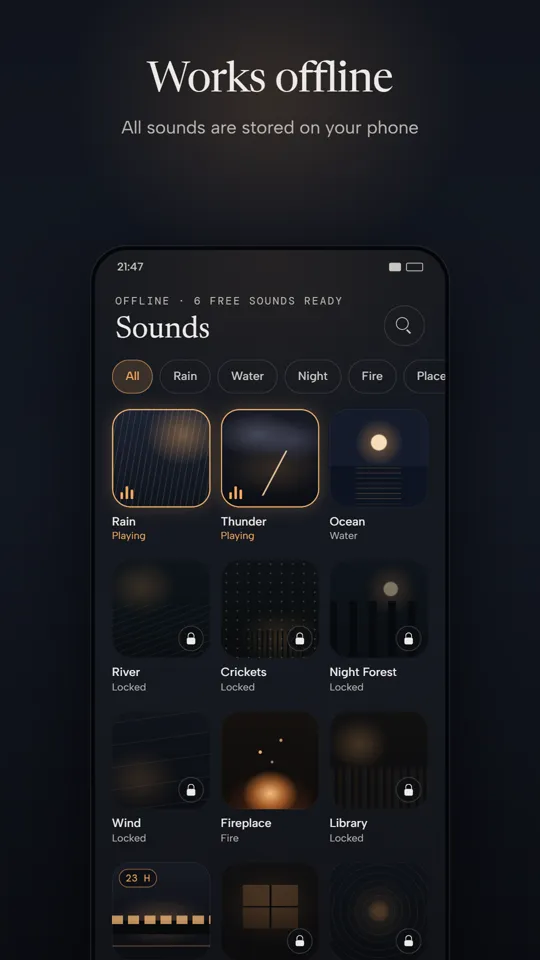
Layer sounds into your own mix and balance each one. Free users can layer up to 3 sounds, Premium up to 6. Save the mixes you love.
The screen dims to near black after a few seconds without a touch, so your phone stays out of the way in a dark room.
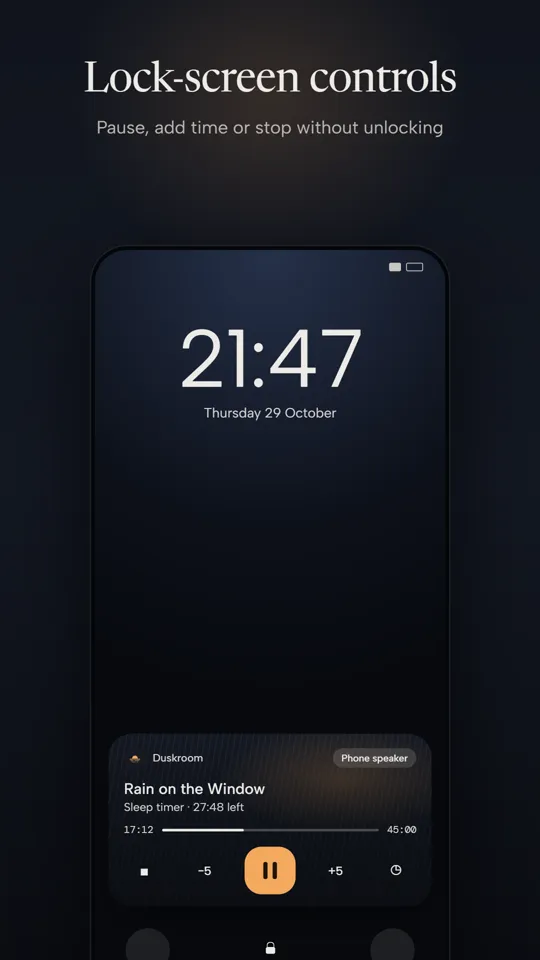
Pause, add time or stop from the lock screen and notification shade, and start your last mix from a home-screen widget.
Screenshots
Privacy
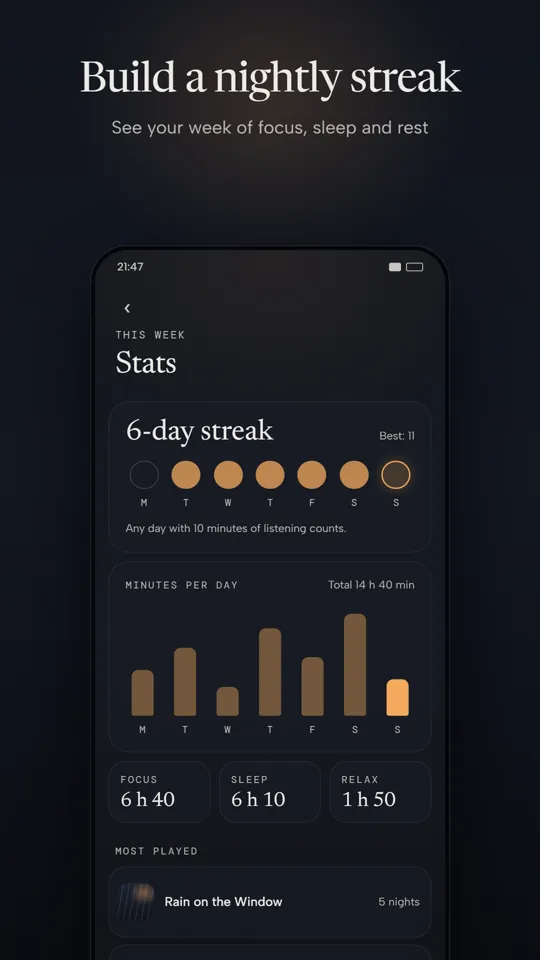
Your mixes, settings and stats stay on your phone. Free users see ads from Google AdMob, with a consent choice where the law asks for it. Read the privacy policy.